Agree what a metric means
Define conversions, time periods, attribution and exclusions. Record where each measure comes from.


Bring agreed data sources into a useful view of traffic, engagement, conversions and geographic activity. Design the dashboard around the decisions your team needs to make.
Discuss your dashboard ↗Bring agreed data sources into one clear view of the numbers your team needs to act on—from traffic and engagement to conversions, revenue and geographic activity where data is available.
We define the measures, sources and update needs around your business questions, with the connections and scope agreed for your project.
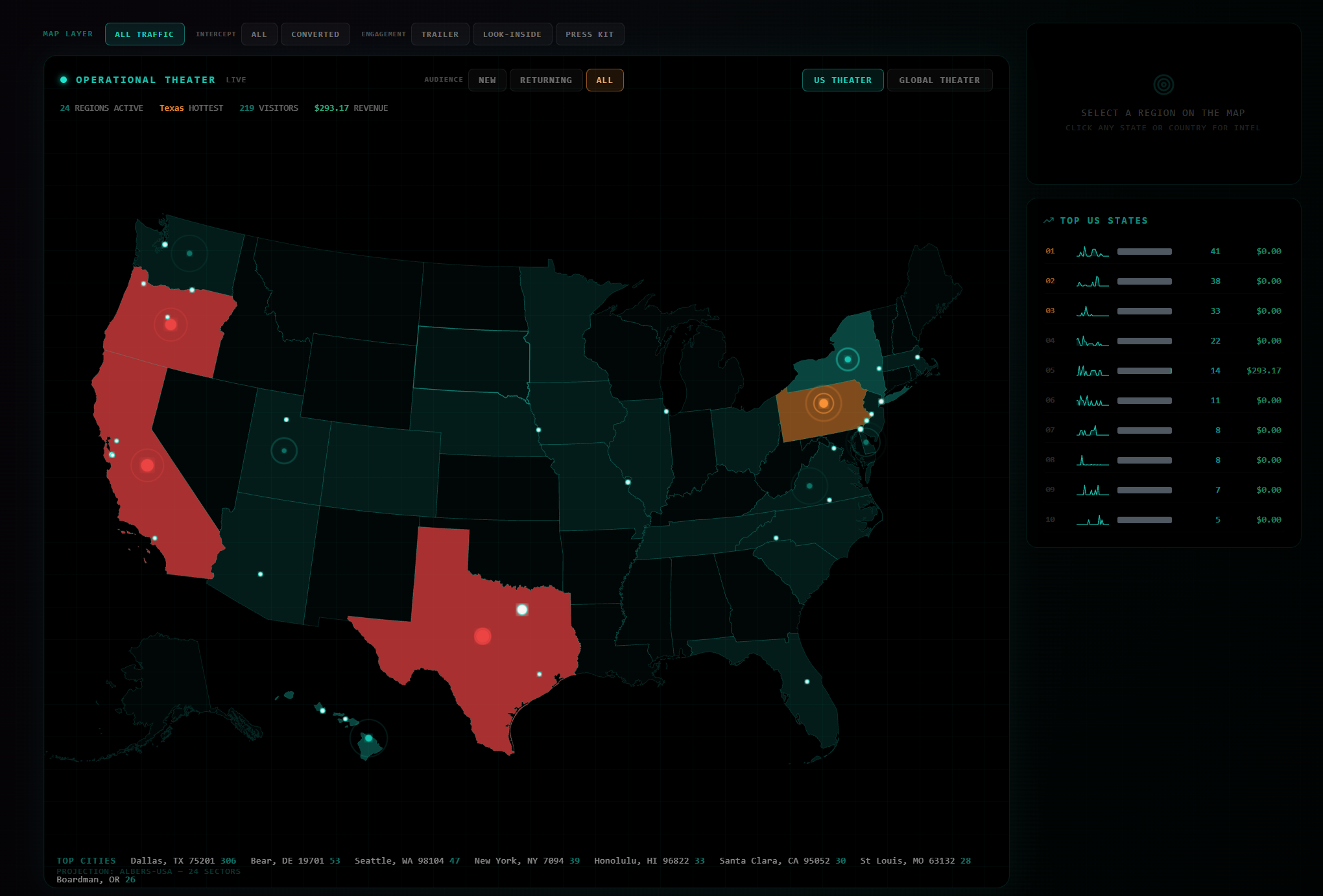
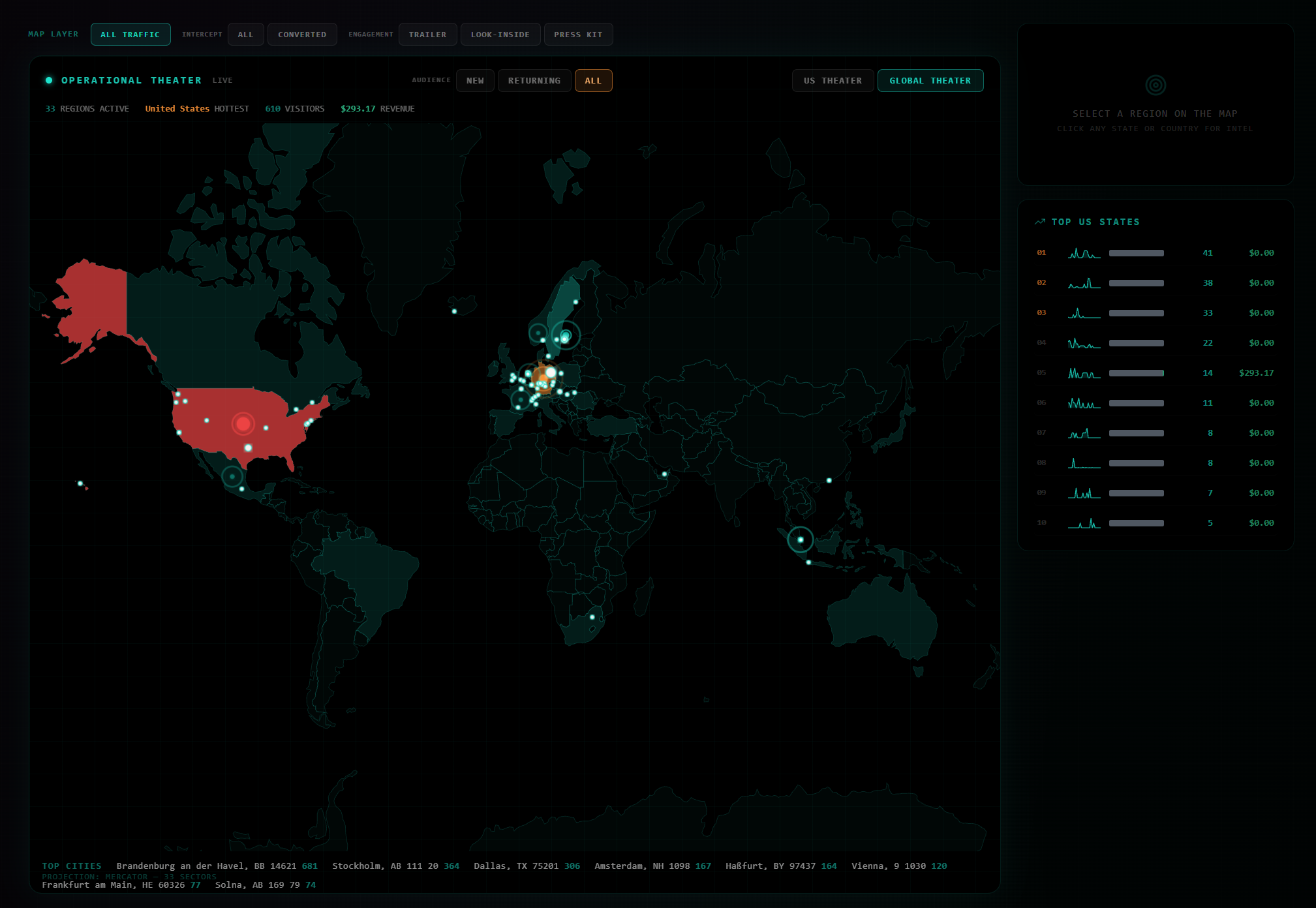
Static screenshot. Zoom to inspect details, or open the original-size image in a new tab.
These screenshots illustrate an actual dashboard interface. The displayed figures are captured examples, not promises of customer results. The controls inside each screenshot are not interactive here; data connections, update frequency and attribution are defined for each project.
Start with the questions your team needs to answer. We’ll help shape the views and the data requirements.
Define conversions, time periods, attribution and exclusions. Record where each measure comes from.
Confirm permissions, refresh needs and the limits of each data source. Surface missing or delayed data.
Design views for the people using them, with useful comparisons and an agreed owner for follow-up.
A dashboard can stand on its own. AI-assisted summaries, anomaly review or workflow connections are optional scope decisions and need their own evaluation and review process.

Bring your current tools, the task you want to improve and the questions you need to answer. We’ll help define a practical next step.