Give each story a home.
A stable master page lets a QR code or shared link keep working as the title, introduction and language versions evolve.
We help organizations bring trusted video information to people in the languages they understand.
AI-assisted translation. Reviewed language versions. One simple way in.
Explore our contribution ↓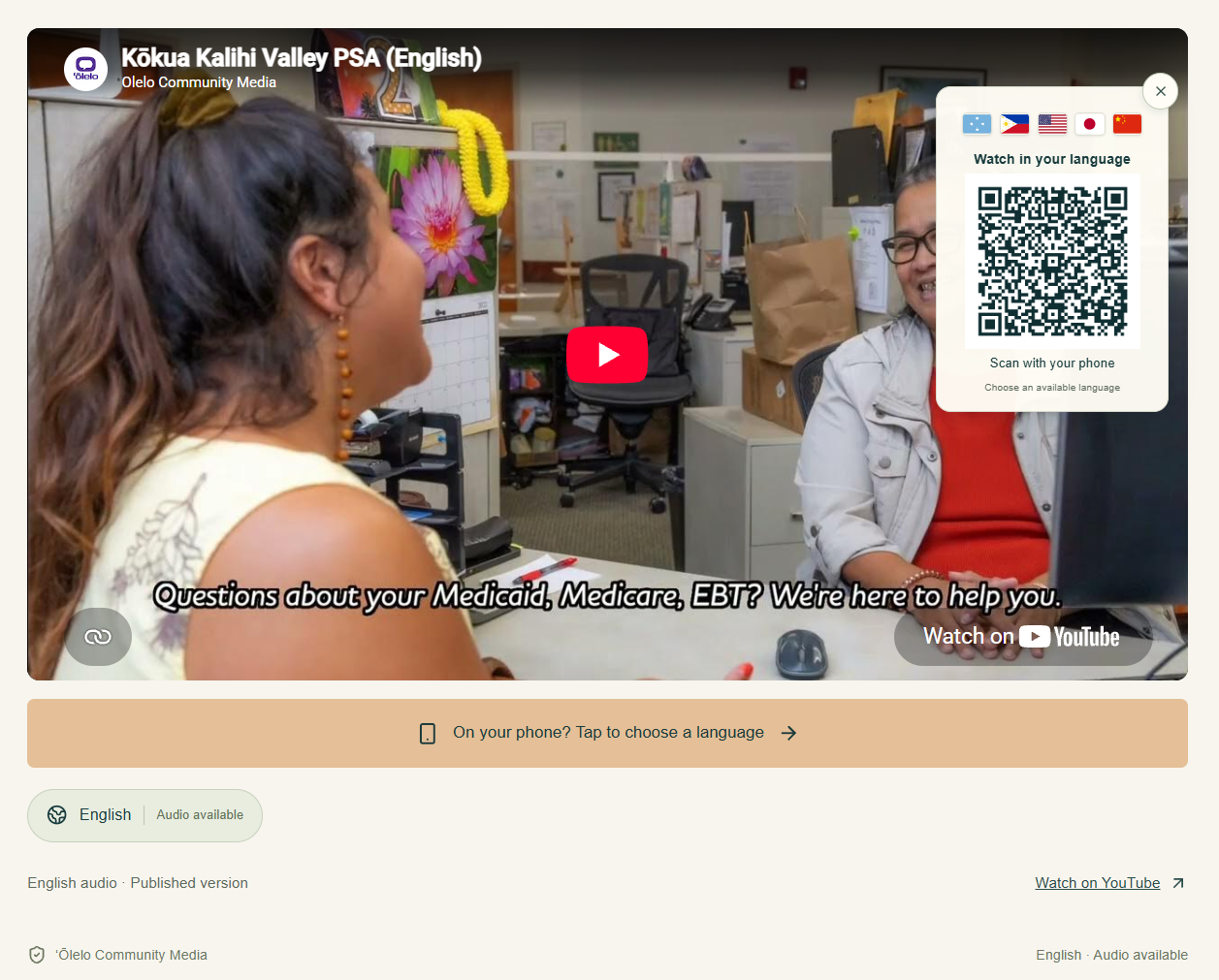
Visible YouTube preview, not independently verified playback. English sample available; translated audio pending.
Sample: Kōkua Kalihi Valley PSA / ʻŌlelo Community Media. H2ONU Digital built the surrounding interface, QR journey and publishing workflow.
Trusted caregiving information can still be difficult to use when it is offered in a language someone does not understand. Laulima addresses that access challenge for families seeking guidance and useful Hawaiʻi resources: make existing video information easier to find, understand and act on.
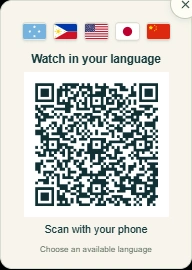
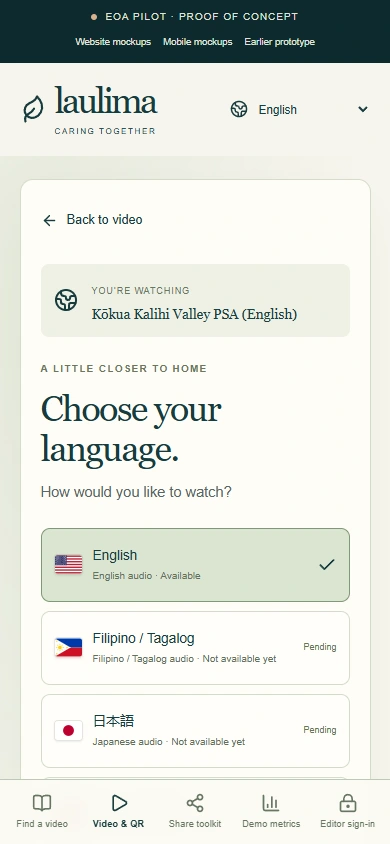
A stable QR opens the video’s language chooser. A tap reaches the same destination on a phone, while availability labels make the next choice clear.
Actual Laulima prototype captures / H2ONU Digital interface design. Scan or tap to open the public language chooser ↗
Our multilingual content service combines AI-assisted video translation with editorial and language review. We help organizations adapt existing videos with attention to meaning, terminology and cultural context, then connect reviewed language versions to a simple scan-or-tap experience.
Families can open a topic, choose an available language, view the recording and continue to relevant resources. Organizations get one consistent place to review and update the content. Laulima’s current prototype demonstrates this access and publishing experience with an English sample; preparing and reviewing translated audio is the next stage.
This earlier desktop exploration established the visual hierarchy, warm imagery and paths by need. The current video, QR and publishing interfaces are shown in the implementation sections below.
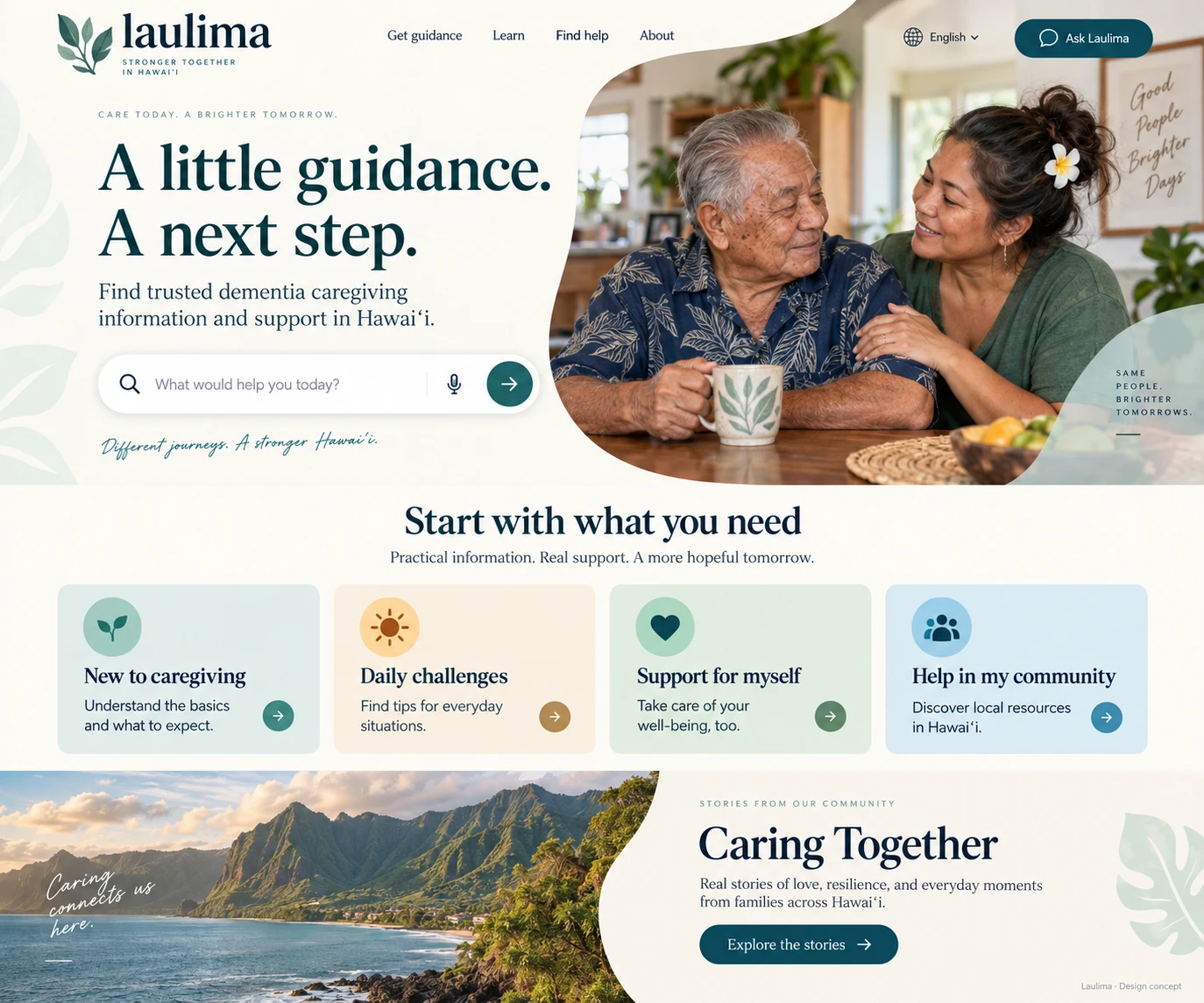
We organized the prototype around recognizable needs and direct topic links. Three decisions connect the visitor’s first click to the team’s ongoing content work.
A stable master page lets a QR code or shared link keep working as the title, introduction and language versions evolve.
Show published language versions and label unfinished audio as pending, with a route back to available content.
Offer QR entry, direct links and a tap alternative for people already on a phone. No caregiver account is required.
A stable entry point connects each topic to its available language versions and useful next steps.
We built a protected editor for each master video page, with its introduction, transcript and language-specific YouTube links. Each prepared version carries a review confirmation and a Draft, Reviewed or Published status.
Only published, review-confirmed versions appear to visitors. The catalog persists independently of the temporary demonstration event log.
/pilot?video=video-1Prepare the recording separately, review its content and language, then publish it to the shared destination.
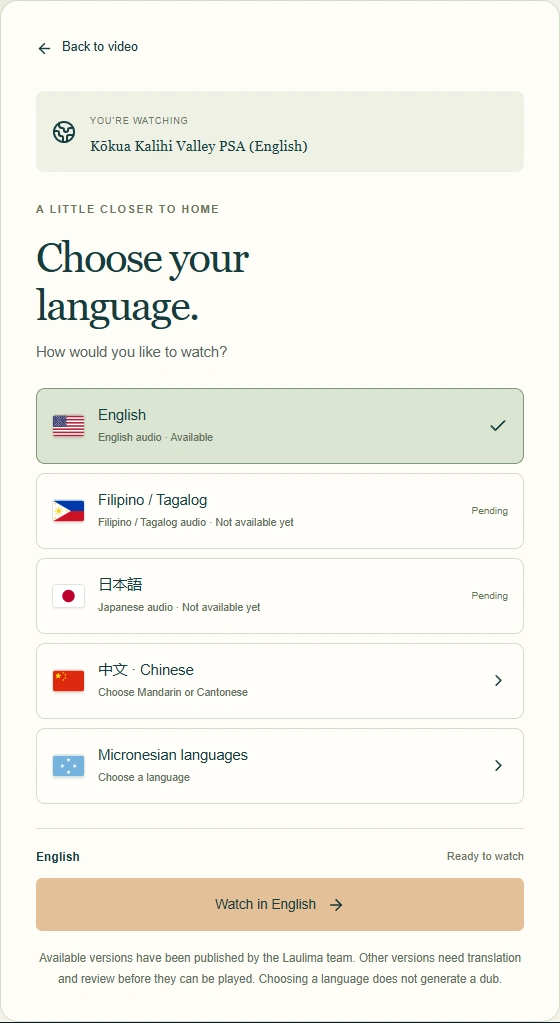
The demonstrated result is a connected interface and publishing system. It is designed to make useful information easier to reach; community reach and caregiving outcomes have not been established.
Mobile topic pages, stable QR entry, language selection, sharing tools and a persistent editor for reviewed language-version mappings.
One supplied English community PSA. Five other video slots remain placeholders. The sample is not confirmed as part of the six-video EOA training series.
Supply the training videos, prepare and review translated recordings, confirm distribution participants, and connect analytics with agreed reporting. No live translation service is connected.
The English sample is the Kōkua Kalihi Valley PSA from ʻŌlelo Community Media. H2ONU Digital’s contribution is the surrounding application, QR journey and publishing workflow—not production of the source video. Resource links and prospective relationships do not imply endorsement or confirmed participation.
The demonstration event log resets on refresh; it does not establish playback completion or audience reach. Earlier automated captures showed a blank iframe. The supplied screenshot now documents a visible YouTube poster/player preview, but moving-video playback has not been independently verified. No footage has been substituted.
From a QR landing page to a reviewed publishing workflow, we can define the interface, integrations and handoff around your content and your team.